
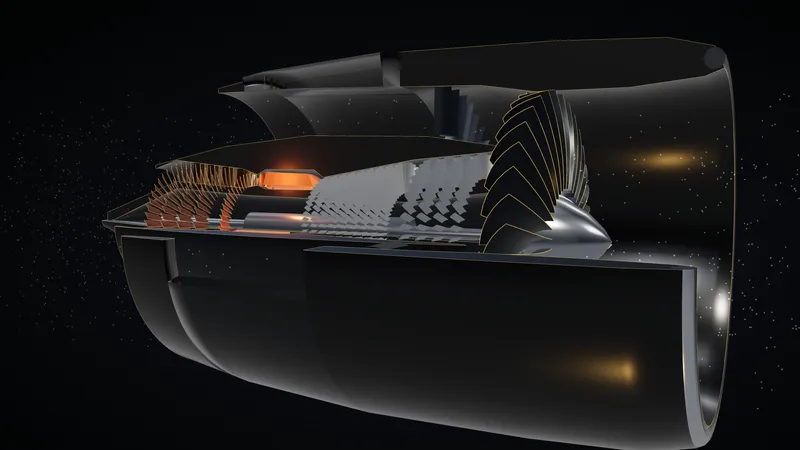
ATA 70–80 · CFM56-5B
An engine you can look inside.
Move the thrust lever through its detents and watch the spools, airflow and combustor respond, with a cutaway, a 2D diagram and engineering fundamentals at three levels.
 AEROLENSBETA
AeroLens · Beta 0.1.0-beta.1
Textbooks teach you the theory. AeroLens helps you see how it works.
Explore the Airbus A320 in 3D, understand aircraft systems through interactive visualizations, and prepare for EASA ATPL examinations and airline technical interviews.
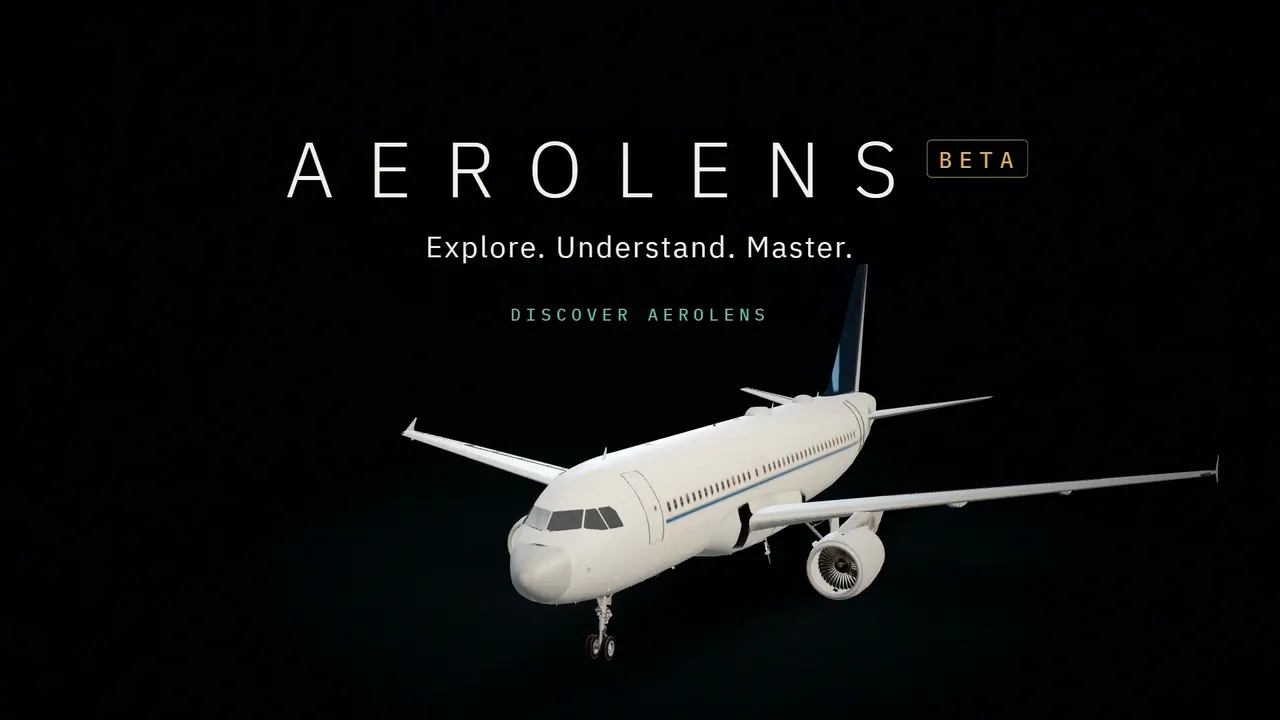
Real footage of the current beta: 3D explorer, engine, landing gear, APU, hydraulics, electrical and learning modes.
Available today
Every animation and diagram below is part of the current beta.
ATA 70–80 · CFM56-5B
Move the thrust lever through its detents and watch the spools, airflow and combustor respond, with a cutaway, a 2D diagram and engineering fundamentals at three levels.
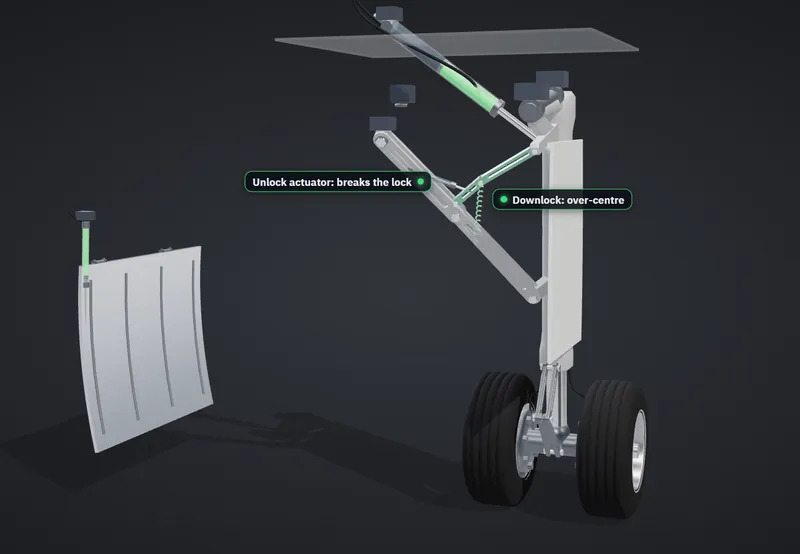
ATA 32 · Landing gear
Extension, retraction and gravity extension, step by step: doors, uplocks, side stays and actuators, synchronised with the hydraulic schematic.
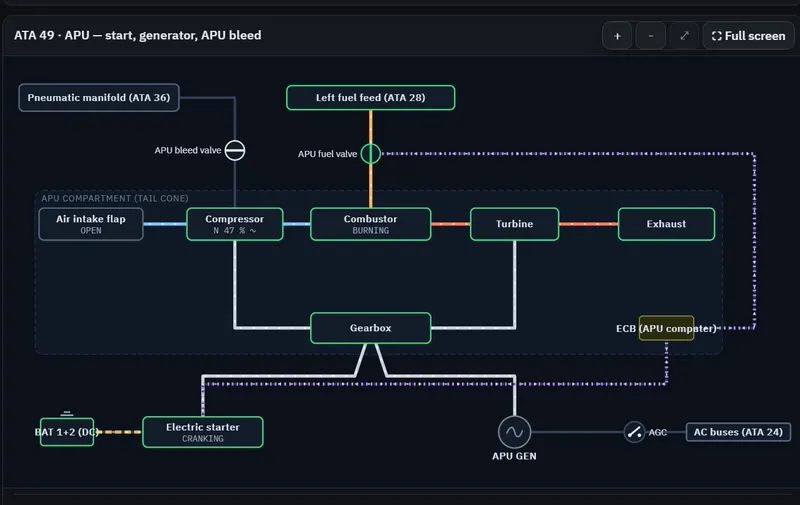
ATA 24 · 29 · 36 · 49
Press MASTER SW and START and follow the APU start in the diagram. Connect external power and watch the buses come alive. Hydraulics, fuel, pneumatics, fire, oxygen and doors work the same way, and every change is explained.
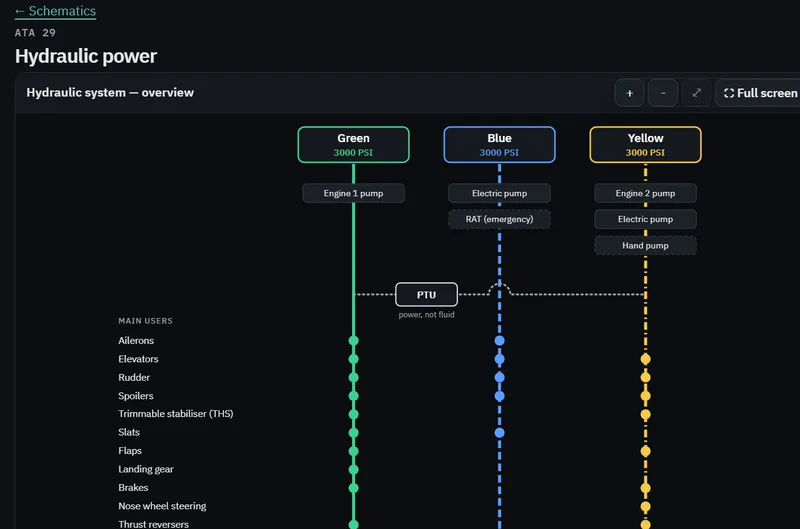
Learn · Revise · Practise
Lessons linked to EASA ATPL learning objectives, spaced-repetition flashcards and technical interview questions with key points and model answers.
Learning modes
Switch at any time: the same aircraft and the same systems, explained at the depth you need.
Explore modern aircraft systems through interactive 3D experiences and clear, beginner-friendly explanations.
For aviation enthusiasts, beginners and future student pilots.
In the beta today
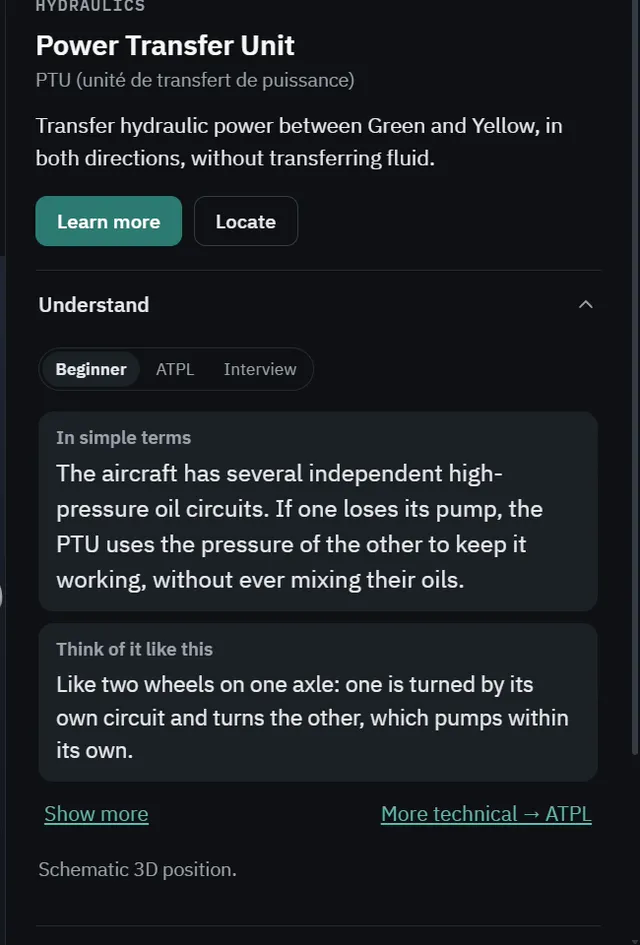
Connect EASA ATPL theory with interactive aircraft systems, detailed schematics and visual explanations designed to deepen your understanding.
For EASA ATPL students, student pilots and pilots revising theory.
In the beta today
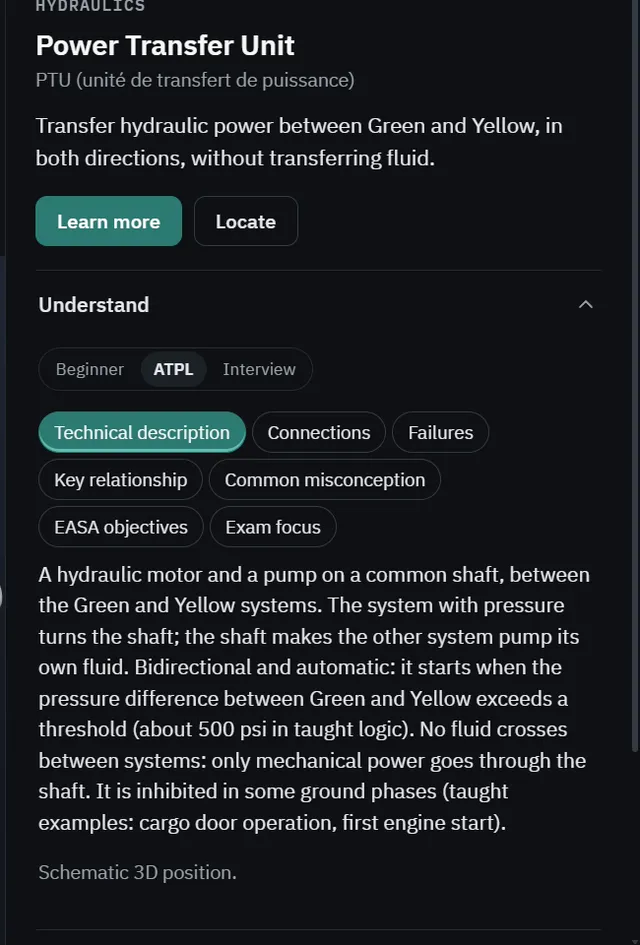
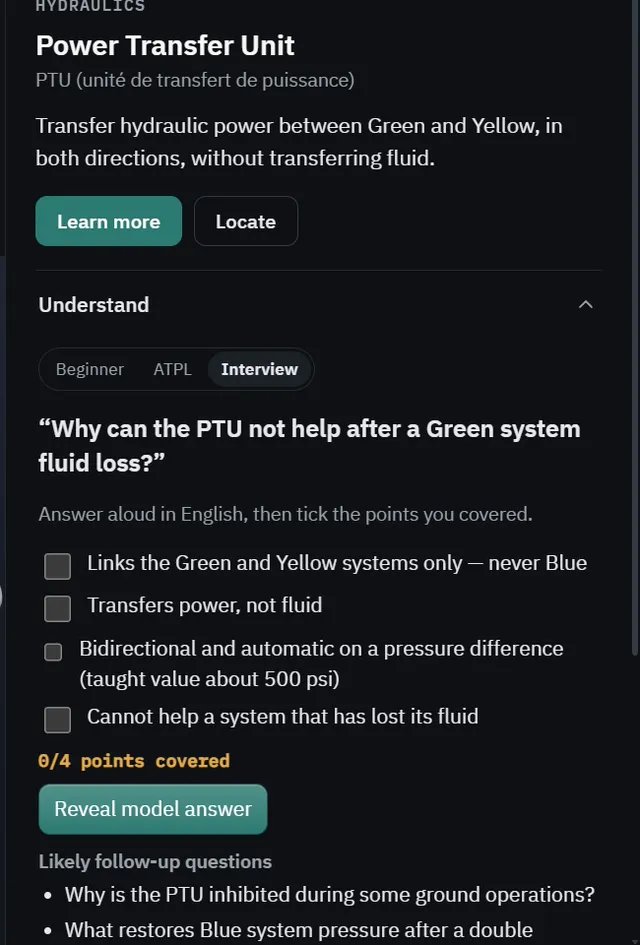
Prepare for airline technical assessments with advanced aircraft systems knowledge, structured questions and realistic technical reasoning exercises.
For airline applicants and pilots preparing technical assessments.
In the beta today
AeroLens does not guarantee success in any airline selection and is not endorsed by any airline.
Download
Free during the beta. No account needed today.
iPad and iPhone use the AeroLens web app, added to the Home Screen from Safari. It is not an App Store app.
Why AeroLens
“I’m not just building AeroLens for other pilots. I’m building the learning tool I want to use myself.”
AeroLens is created by a French student pilot who has completed the EASA ATPL theoretical exams and is continuing practical flight training. Seeing real engines and mechanisms made theory click, but not every student has that access. AeroLens aims to make some of that visual learning available to everyone.
Roadmap
AeroLens aims to grow into a broader aviation learning platform. Statuses reflect actual progress.
3D explorer, engine, landing gear, schematics for nine main systems, lessons, flashcards and interview practice.
The first lessons (ATPL 022) are already in the app; interactive instrument demonstrations are not built yet.
Ideas being explored. Nothing is scheduled yet.
Public beta
Download it, use it, and tell us what to fix. AeroLens is under active development, so some features are incomplete and performance varies by device.
Feedback
Bugs, technical corrections, ideas: every message is read. No account needed. You can also use Feedback inside the app.